



How Site Pre-Checks Improve Scan Quality Significantly
Pre-scan checks reduce delays, improve model fidelity, and ensure Blueprint360View delivers clean, usable digital twins across every property type.
Reduce Distractions
Bright Lighting
Clear Access
Request A Callback
Fill out our simple form and one of our Blueprint360View experts will call you back promptly to discuss your project needs and provide tailored guidance to take you forward.
Presentation Influences Perception and Accuracy
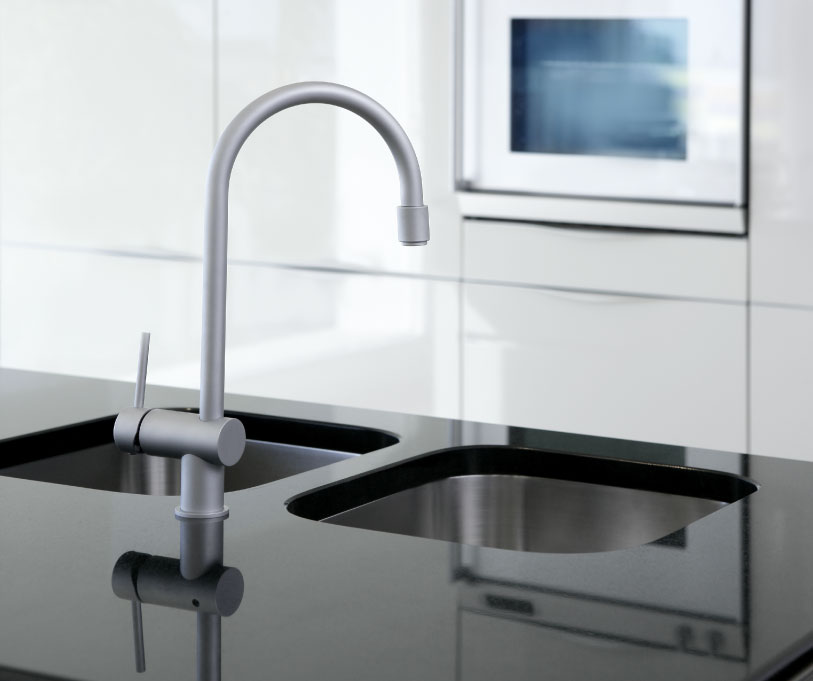
A 3D scan is a detailed, permanent visual record; every feature shows up. Proper staging with clean surfaces, closed doors, blank walls ensures cleaner scans and higher accuracy. Neglecting clutter or inconsistent decor can introduce distractions, distort depth, or reduce virtual tour quality.
Don’t Overlook These Critical Pre-Checks
Before the Blueprint360View team lands, doing these tasks helps avoid delays and ensures the scan captures high fidelity visuals. Clutter and personal items distract viewers and create noise in the imagery. Poor lighting can cause shadows or colour inconsistency. Reflective surfaces like mirrors, televisions, or glass can cause glare. Obstacles in walkways restrict equipment movement. Exterior appearance sets first impressions. Doors and windows not working or locked interrupt scan flow. Every detail visible in scan footage contributes to the final virtual tour’s professionalism and helps viewers focus on space, not distractions.
Start Your Project Today!